M365 Collaboration Silos? Build a Smarter Teams, SharePoint & OneDrive Strategy
Date: 04/11/2026
- Strategic Context: Moving from Fragmented Storage to Enterprise-Grade Collaboration"
- Core Pillars of the Microsoft 365 Ecosystem
- Overcoming Version Control Chaos: How Teams and SharePoint Synchronize Workflows
- Bridging the Gap: Integrating Security and Governance Across Cloud Workspaces
- How Premier Group Optimizes Your Microsoft 365 Architecture
Summary
Break down disconnected Microsoft 365 silos and eliminate file duplication across your organization. Discover how to define distinct operational boundaries, synchronize workflows, and secure data across Teams, SharePoint, and OneDrive to maximize enterprise productivity.
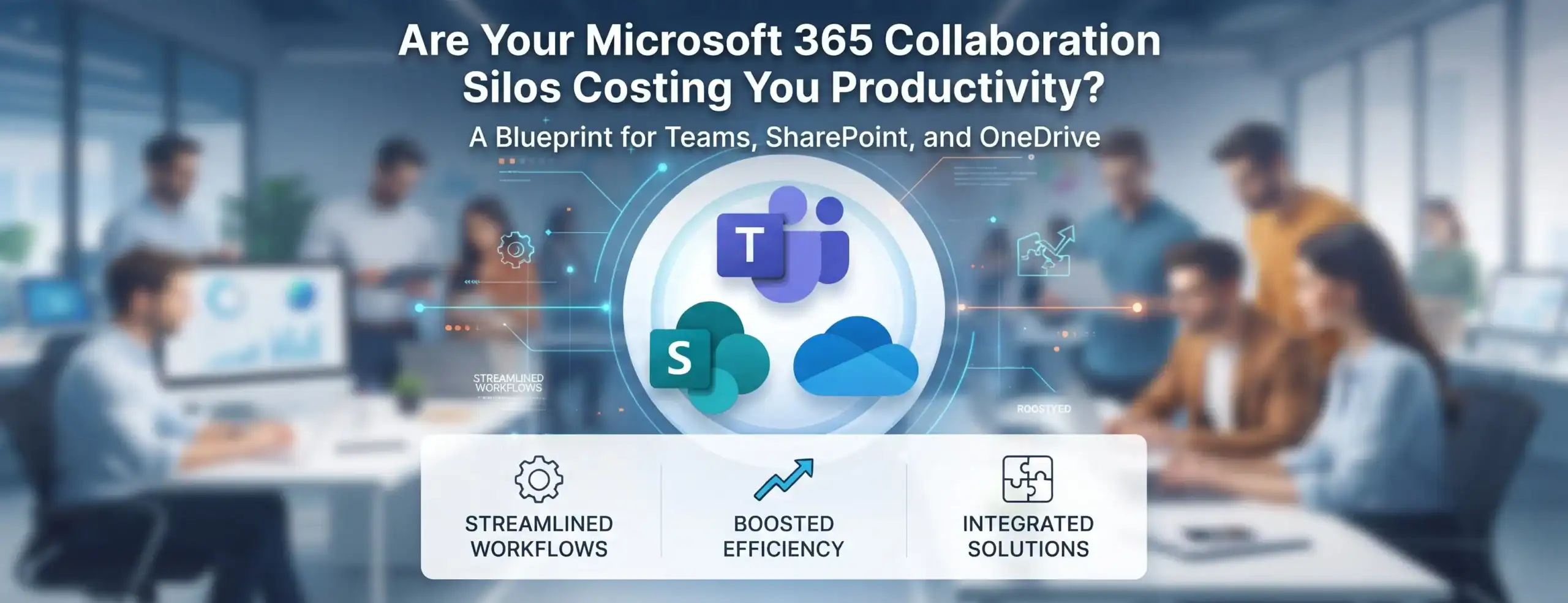
When organizations roll out Microsoft 365, employees often treat Microsoft Teams, SharePoint, and OneDrive as interchangeable storage bins. The result? Fragmented workflows, version control chaos, and scattered files that hinder productivity rather than help it.
Understanding how these three interconnected platforms are designed to work together is the key to unlocking a streamlined, secure digital workplace.
Strategic Context: Moving from Fragmented Storage to Enterprise-Grade Collaboration
Deploying Microsoft 365 without a clear architectural strategy leads to digital friction. When files are stored haphazardly across personal drives instead of central repositories, collaboration breaks down and data governance becomes an uphill battle.
For a comprehensive perspective on architectural prerequisites, permission hardening, and long-term deployment strategies, explore our flagship guide:
Read our core pillar resource: The Enterprise Guide to Microsoft 365 Copilot & Modern Workplace Transformation
Core Pillars of the Microsoft 365 Ecosystem
To eliminate redundancy, organizations must define distinct operational boundaries for each platform:
1. OneDrive: Your Personal Workspace
- Primary Purpose: Individual document storage, drafting, and personal files that do not require immediate team collaboration.
- Governance Rule: Files remain private by default until explicitly shared, making it ideal for work-in-progress content before it moves to a collaborative hub.
2. Microsoft Teams: The Real-Time Collaboration Hub
- Primary Purpose: Daily communication, channel-based chats, meetings, and project-specific coordination.
- Governance Rule: Every standard channel automatically connects to a shared folder in the underlying SharePoint site, bridging real-time chat with structured document management.
3. SharePoint: The Enterprise Knowledge Repository
- Primary Purpose: Official company-wide document libraries, intranet portals, and structured department resources requiring robust metadata and strict access control.
- Governance Rule: Built for scale, version control, and long-term compliance rather than casual chat-based sharing.
Overcoming Version Control Chaos: How Teams and SharePoint Synchronize Workflows
One of the most persistent bottlenecks in modern organizations is the creation of duplicate versions when team members email attachments back and forth or save local copies to their desktops. By integrating your daily communications into a unified structure, your organization can leverage advanced document management capabilities without leaving the chat interface.
When configured correctly, every conversation in Microsoft Teams directly references centralized repositories, eliminating the need to ask “Which version is final?” For organizations looking to audit their current digital habits, conducting a thorough M365 permission and security audit helps uncover hidden silos and accidental file duplications across department sites. Furthermore, implementing proper SharePoint governance and oversharing prevention frameworks ensures that as teams collaborate in real time, sensitive folders are not accidentally exposed to unauthorized internal users.
Bridging the Gap: Integrating Security and Governance Across Cloud Workspaces
As collaboration scales across remote and hybrid environments, maintaining security without sacrificing user agility requires robust governance policies. Many organizations overlook the fact that open sharing links and unmonitored guest access can quickly compromise cloud integrity.
To mitigate these risks safely, IT administrators must establish automated compliance rules and data classification taxonomies. For teams planning to adopt generative AI features or advanced automation, investing in a professional Microsoft 365 Copilot readiness assessment is critical to preventing accidental data leaks. Establishing clear boundaries between personal work in OneDrive and enterprise knowledge in SharePoint ensures that your overall enterprise data governance strategy remains resilient, compliant, and audit-ready at all times.
How Premier Group Optimizes Your Microsoft 365 Architecture
Eliminating file clutter and establishing clear operational boundaries requires a balanced approach between technical governance and user adoption. Premier Group delivers end-to-end consulting to ensure your modern workplace is structured, scalable, and secure.
About Premier Group
Premier Group is a recognized Microsoft Gold Partner and digital workplace consultancy based in Singapore. Backed by over fifteen years of proven industry experience, Premier Group specializes in:
- AI & Copilot Readiness: End-to-end readiness assessments, tenant architecture design, permission restructuring, and adoption management.
- Microsoft 365 & Modern Workplace Optimization: Secure collaboration architectures across SharePoint, Teams, Exchange, and OneDrive.
- Data Governance & Azure Mastery: Enterprise cloud security, database integrations, modern data warehouses, and data lake solutions.
- Low-Code Automation: Rapid application engineering using Power Apps and Power Automate to streamline business processes.
Our seasoned enterprise consultants audit your digital workspace, streamline information architecture, and establish clear governance policies—ensuring your team captures maximum productivity across Teams, SharePoint, and OneDrive.
Ready to Automate Your Core Workflows with Copilot Agents?
Most organizations let Teams, SharePoint, and OneDrive become disconnected silos, killing productivity. Connect with Premier Group’s Modern Workplace specialists to consolidate your environment, streamline file architecture, and boost team efficiency.
Frequently Asked Questions
OneDrive is designed for individual, private file storage and personal drafting. SharePoint serves as the central, scalable repository for organizational document libraries, team intranets, and company-wide knowledge assets with advanced permission controls.
Every time a new team or standard channel is created in Microsoft Teams, a corresponding document library is automatically generated within a connected SharePoint site. This ensures that files shared in chat or channel tabs are securely backed by enterprise-grade document management.
Preventing duplication requires establishing a clear information architecture policy, conducting user adoption training, and deploying Microsoft Purview governance tools to monitor and manage document lifecycles and sharing permissions.
Premier Group conducts comprehensive workspace audits to identify overshared links, map out proper document lifecycles, consolidate redundant repositories, and design structured SharePoint and Teams architectures tailored to your business workflows.
While standard Microsoft 365 business plans include foundational sharing and permission controls, advanced automated data governance and compliance features often require enterprise-tier capabilities (such as Microsoft 365 E5 or relevant compliance add-ons). Premier Group assists in evaluating your licensing needs for optimal cost-efficiency