
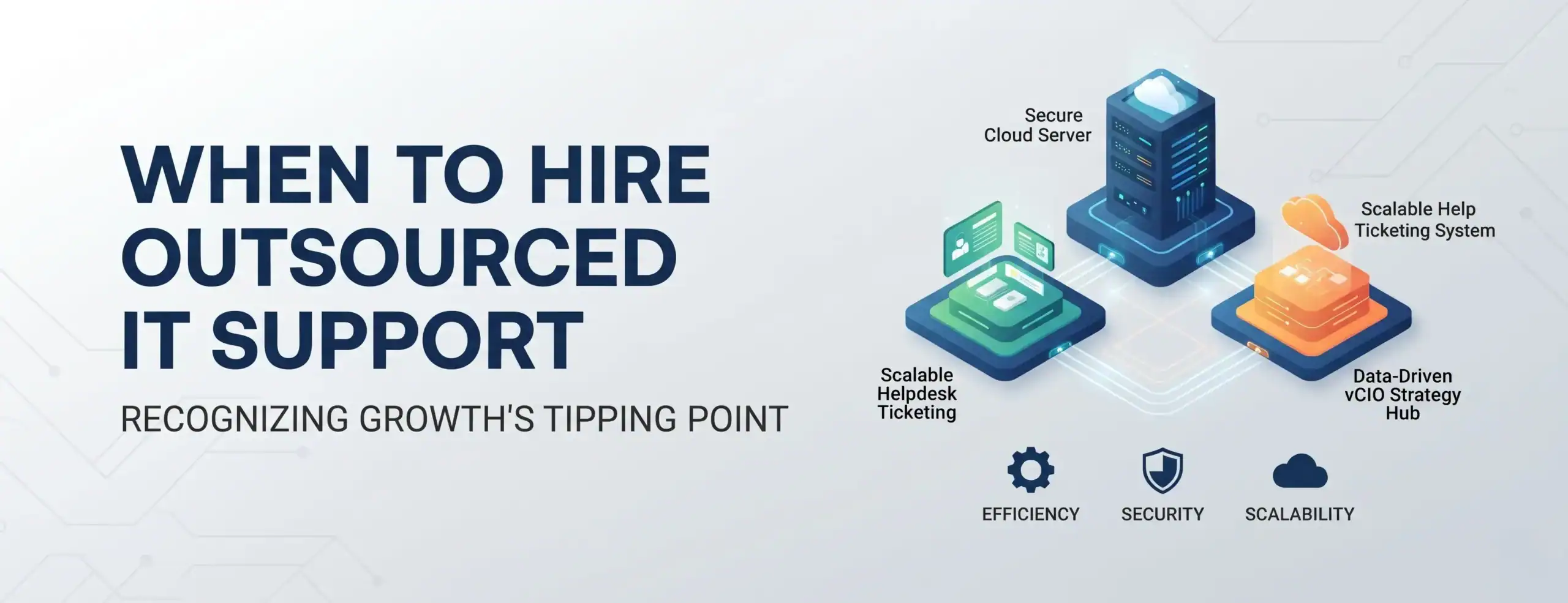
When Does a Growing Business Need an Outsourced IT Support Partner?
Date: 09/11/2026
- The Silent Growth Killer: When "Break-Fix" IT Becomes a Revenue Bottleneck"
- The Hidden Costs of "Break-Fix" IT Support
- 5 Clear Signs Your Business Has Outgrown Ad-Hoc IT
- Hiring Your First Internal IT Person vs. Partnering with an IT Company
- Evaluating the True Total Cost of Ownership (TCO): Internal IT vs. MSP
- Financial Breakdown: How Much Does Outsourced IT Cost?
- Building a Seamless Transition Roadmap: What to Expect During Onboarding
- Building Your IT Roadmap: Next Steps for Operations Managers
Summary
Transitioning from reactive “break-fix” support to a managed IT partner eliminates unexpected downtime and security gaps. Discover the key operational signs your growing company has outgrown ad-hoc help, how to evaluate total cost of ownership (TCO) against an internal hire, and what to expect during a seamless onboarding transition.
The Silent Growth Killer: When "Break-Fix" IT Becomes a Revenue Bottleneck
Picture this: Your company is closing deals, onboarding new clients, and scaling faster than ever. Yet behind the scenes, your operations are grinding to
a halt. The office “tech-savvy” employee is drowning in helpdesk tickets instead of driving core projects. Critical security updates are sitting ignored, and a sudden network outage freezes half your team for hours. For growing businesses, technology quickly transitions from a background convenience into the core engine of daily operations. But when infrastructure fails to scale alongside your ambitions, IT issues stop being minor annoyances—they become active threats to your bottom line. At this critical tipping point, continuing with ad-hoc, reactive support isn’t just risky; it’s an expensive drain on your momentum. Leadership faces a defining strategic crossroads:
Do you absorb the steep financial overhead and single point of failure of hiring your first internal IT technician, or do you partner with a specialized, scalable Managed Service Provider (MSP)?
The Hidden Costs of "Break-Fix" IT Support
Many growing businesses start with an ad-hoc or “break-fix” approach to technology—calling an independent technician only when something completely breaks. While this may feel cost-effective early on, it introduces massive hidden liabilities:
- Unpredictable Expenses: Emergency hourly rates and unexpected hardware replacements make IT budgeting nearly impossible.
- Reactive Downtime: Your team loses hours or days waiting for a technician to respond, directly impacting revenue and client satisfaction.
- Lack of Proactive Security: Without continuous monitoring, vulnerabilities, outdated patches, and phishing risks go unnoticed until a breach occurs.
5 Clear Signs Your Business Has Outgrown Ad-Hoc IT
Recognizing the shift from manageable IT quirks to systemic bottlenecks prevents operational gridlock. Watch for these five indicators:
- Technology Interrupts Strategy: Operations managers and leadership are spending more time troubleshooting printers, cloud sync errors, or software access than focusing on growth.
- Recurring Technical Issues: The same problems—such as slow network speeds, VPN dropouts, or email synchronization failures—happen repeatedly without a permanent root-cause fix.
- Cybersecurity Vulnerabilities: Your team handles sensitive client or financial data, but you lack formal endpoint protection, multi-factor authentication (MFA) enforcement, and automated backups.
- Onboarding/Offboarding Delays: Setting up new hires with laptops, email accounts, security permissions, and software licenses takes days instead of hours, slowing down productivity.
- Compliance and Audit Pressure: Client contracts or industry regulations now require formal IT security policies, data governance, and documented disaster recovery plans.
Hiring Your First Internal IT Person vs. Partnering with an IT Company
When scaling past a dozen employees, business owners often default to looking for a full-time system administrator. Let’s compare how an internal hire stacks up against an outsourced Managed Service Provider (MSP):
| Feature / Consideration | Legacy On-Premise Servers | Microsoft Cloud (SharePoint / Azure) |
|---|---|---|
| Financial Structure | Capital Expense (CapEx): High upfront hardware costs, servers, switches, and cooling infrastructure. | Operating Expense (OpEx): Predictable, scalable per-user monthly subscription models. |
| Remote Accessibility | Restricted and slow; relies on cumbersome, bottlenecked VPN tunnels for off-site staff. | Secure, lightning-fast access across Windows, Mac, iOS, and Android via cloud identity. |
| Maintenance & Health | Managed locally or via expensive ad-hoc emergency contractor visits; vulnerable single points of failure. | Managed automatically by Microsoft’s global data centers with 99.9% enterprise uptime SLAs. |
| Disaster Recovery | Prone to local tape drive failures, hardware crashes, and ransomware encryption loops. | Automated geo-redundant backups, instant version recovery, and advanced compliance filters. |
| Cost Structure | High fixed salary + benefits + recruitment costs + continuous training. | Predictable monthly subscription model tailored to user and device counts. |
| Skill Breadth | Limited to one person's specific expertise (e.g., great at helpdesk, weaker at cybersecurity or cloud architecture). | Access to a multidisciplinary team of engineers, security specialists, and experts who can strengthen your cloud and infrastructure framework . |
| Coverage & Availability | Vulnerable to PTO, sick leave, resignation, and after-hours bottlenecks. | 24/7/365 helpdesk support, proactive network monitoring, and redundancy. |
| Strategic Maturity | Often consumed entirely by daily fire-fighting and tier-1 helpdesk tickets. | Focuses on proactive maintenance, strategic IT roadmapping, and scalability. |
Evaluating the True Total Cost of Ownership (TCO): Internal IT vs. MSP
When evaluating the financial impact of your IT strategy, looking solely at base salary versus monthly retainer fees creates a misleading baseline. A comprehensive Total Cost of Ownership (TCO) analysis reveals several hidden financial and operational costs associated with maintaining a single internal hire:
- Recruitment and Onboarding Overhead: Hiring specialized tech talent requires significant placement fees, interview cycles, and onboarding time before full productivity is achieved.
- Enterprise Software & Tool Licensing: An internal administrator requires professional-grade Remote Monitoring and Management (RMM), Professional Services Automation (PSA), ticketers, and security tools—costs that an MSP bundles into their standard service.
- Single Point of Failure & PTO Coverage: When your sole IT staff member takes paid time off, falls ill, or resigns, your business experiences operational vulnerability and potential downtime costs.
- Continuous Training & Certifications: Cyber threats and cloud platforms evolve constantly. Keeping an in-house employee updated requires an ongoing commitment to training expenses.
Conversely, partnering with a Managed Service Provider transforms unpredictable capital and operational expenses into a single, predictable monthly investment—delivering full redundancy and enterprise toolsets at a fraction of the cost.
Financial Breakdown: How Much Does Outsourced IT Cost?
Understanding outsourced IT pricing structures helps operations managers forecast expenditure accurately. Managed IT support is typically structured around predictable monthly recurring revenue models:
- Per-User or Per-Device Pricing: Most providers offer customized monthly tiers covering proactive monitoring, helpdesk ticketing, patch management, and cloud backups to optimize your digital workspace management.
- Tiered Service Levels: Basic packages may cover reactive helpdesk and monitoring, while advanced frameworks include compliance auditing, advanced endpoint detection and response (EDR), and strategic vCIO (Virtual Chief Information Officer) advisory.
- Elimination of Capital Overheads: By avoiding recruitment overhead, specialized tool subscriptions, and emergency downtime costs, businesses often achieve a lower Total Cost of Ownership (TCO) with higher service quality.
Building a Seamless Transition Roadmap: What to Expect During Onboarding
A primary concern for leadership when adopting an outsourced model is potential disruption during onboarding. A structured Managed Service Provider minimizes friction through a phased operational roadmap:
- Phase 1: Discovery & Infrastructure Audits: The provider maps your entire network environment to streamline your cloud architecture, cataloging hardware assets, cloud dependencies, software licenses, and user permission hierarchies.
- Phase 2: Security Baselining & Remediation: Critical vulnerabilities are immediately addressed. Multi-factor authentication (MFA), endpoint protection agents, patch management schedules, and backup verifications are deployed across all workstations and servers.
- Phase 3: Knowledge Transfer & Ticket Handover: The MSP sets up user helpdesk channels to enhance your multi-device collaboration workflows, introduces support protocols to staff, and seamlessly assumes ownership of ongoing technical issues without service interruptions.
- Phase 4: Ongoing Strategic Reviews (vCIO): Beyond day-to-day support, regular quarterly business reviews (QBRs) align your technology roadmap, compliance goals, and hardware refresh schedules with your long-term business strategy.
Building Your IT Roadmap: Next Steps for Operations Managers
Transitioning to a managed IT partner doesn’t happen overnight. To ensure a seamless shift:
- Audit Your Current Tech Stack: Document all active software licenses, hardware inventory, cloud subscriptions, and recurring technical pain points.
- Define Your Service Level Expectations: Identify your core requirements—such as helpdesk response time guarantees, cybersecurity compliance standards, and after-hours support needs.
- Request a Custom Assessment: Engage with a qualified managed IT provider to conduct a comprehensive network and security audit.
Ready to Scale Your Business with Stress-Free IT Support?
Don’t let tech bottlenecks and cyber risks hold back your operations. Connect with our senior engineers today to receive a complimentary IT environment assessment and custom pricing proposal tailored to your team’s size and growth goals.
Frequently Asked Questions
Outsourced IT support is generally structured on a flexible per-user or per-device subscription model. At Premier Group, our holistic IT consulting and managed solutions approach supports growing businesses by aligning service tiers with your specific operational needs. This predictable model eliminates unexpected emergency repair costs and provides a significantly lower TCO than paying a full-time internal IT salary plus benefits and enterprise tool licensing.
A standard MSP onboarding process takes between 30 to 60 days, executed in structured phases. Initial discovery and security baselining happen in the first two weeks, followed by administrative knowledge transfer and endpoint agent deployment. Your business experiences zero planned downtime during the transition, as support channels are established in parallel with existing processes.
No. A reputable Managed IT partner acts as an extension of your leadership team rather than a black box. You retain 100% ownership of all administrative credentials, domain assets, software licenses, and hardware. The MSP provides complete transparency through monthly reporting, executive dashboards, and regular quarterly business reviews (QBRs).
Managed Service Providers deploy enterprise-grade security suites across all endpoints, including Multi-Factor Authentication (MFA), automated patch management, Endpoint Detection and Response (EDR), and encrypted cloud backups. Additionally, MSPs assist in documenting compliance policies to meet industry standards (such as HIPAA, SOC 2, or CMMC) and cyber insurance mandates.
While standard Microsoft 365 business plans include foundational sharing and permission controls, advanced automated data governance and compliance features often require enterprise-tier capabilities (such as Microsoft 365 E5 or relevant compliance add-ons). Premier Group assists in evaluating your licensing needs for optimal cost-efficiency